
Following steps will show the process of paying school fees by using the Brahmavid Mobile app.
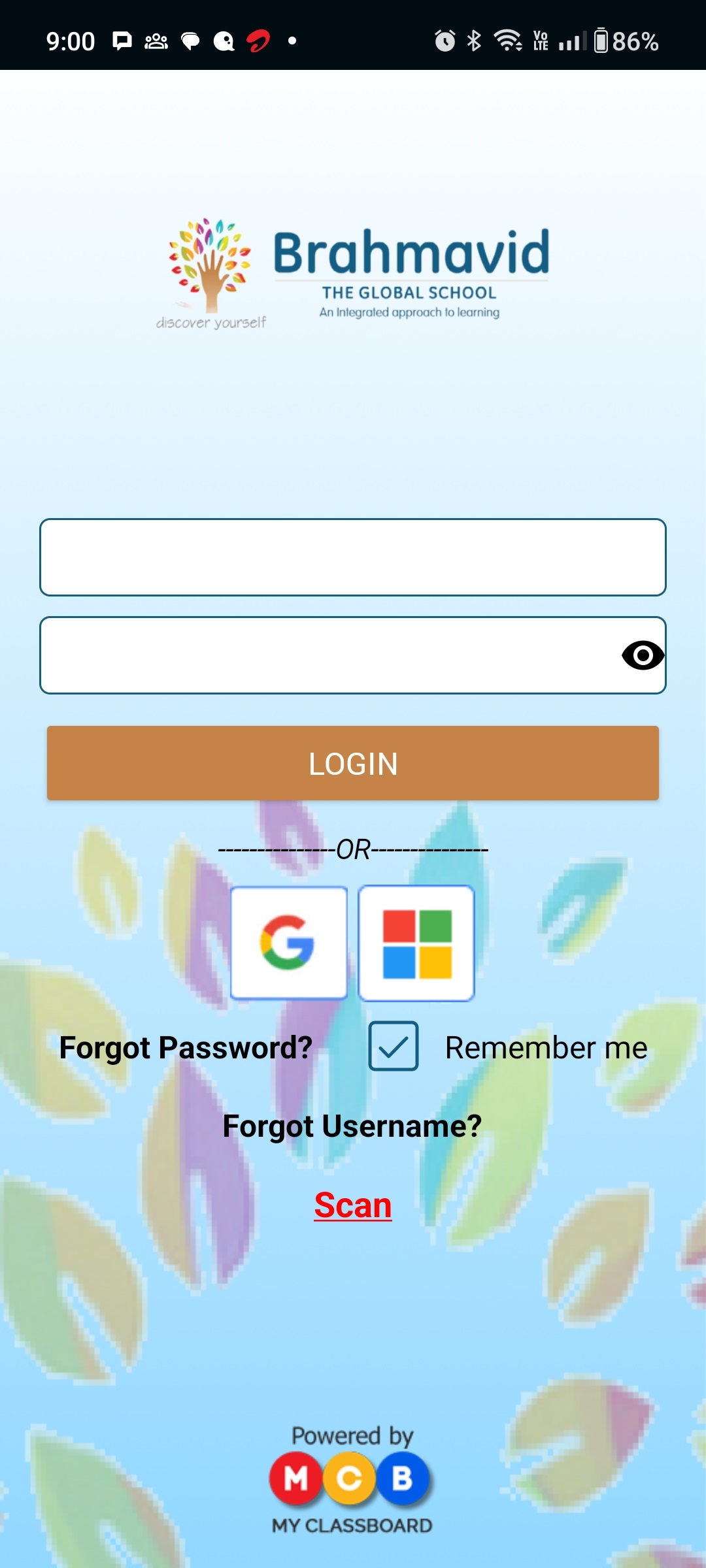
Step 1 Login with your Child's Enrollment No. & password
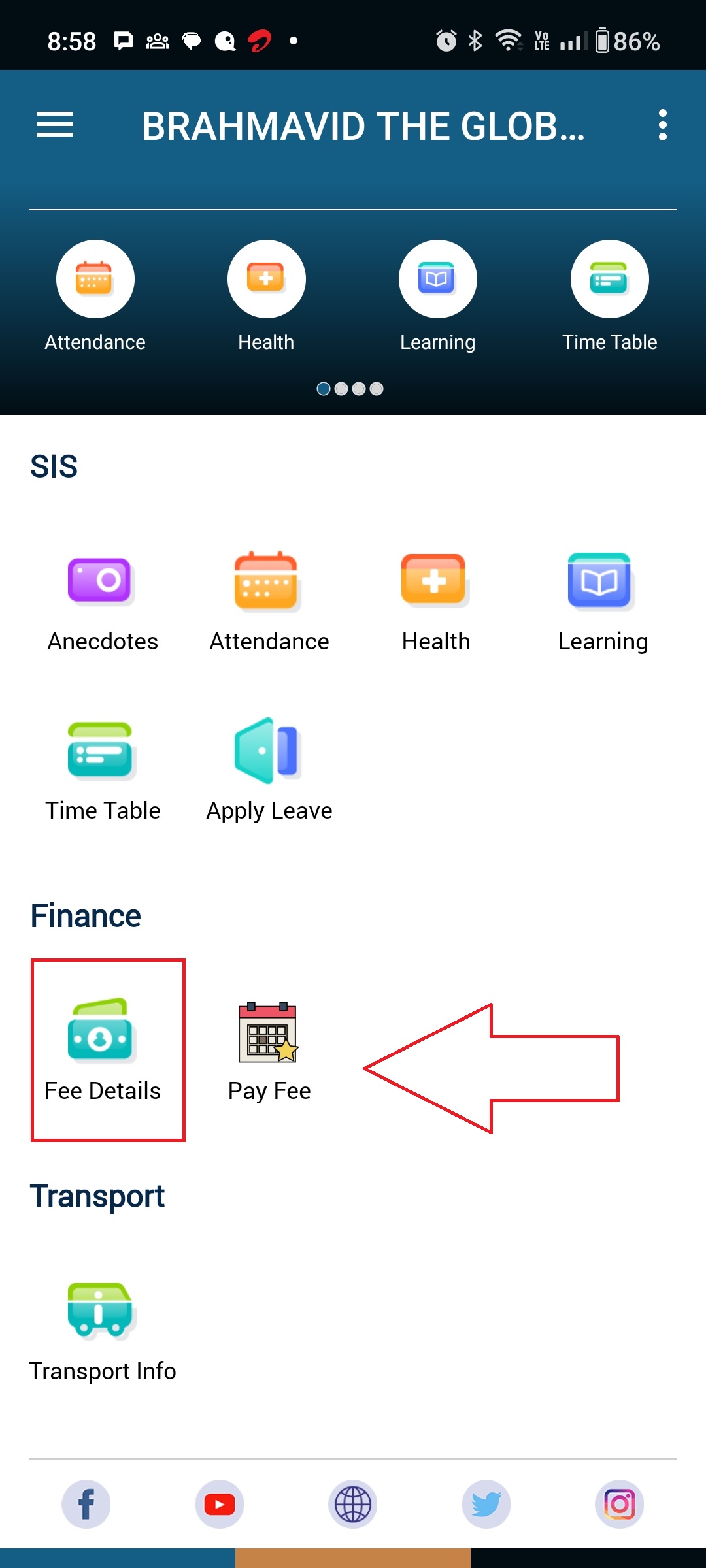
Step 2 Tap over the Fee module
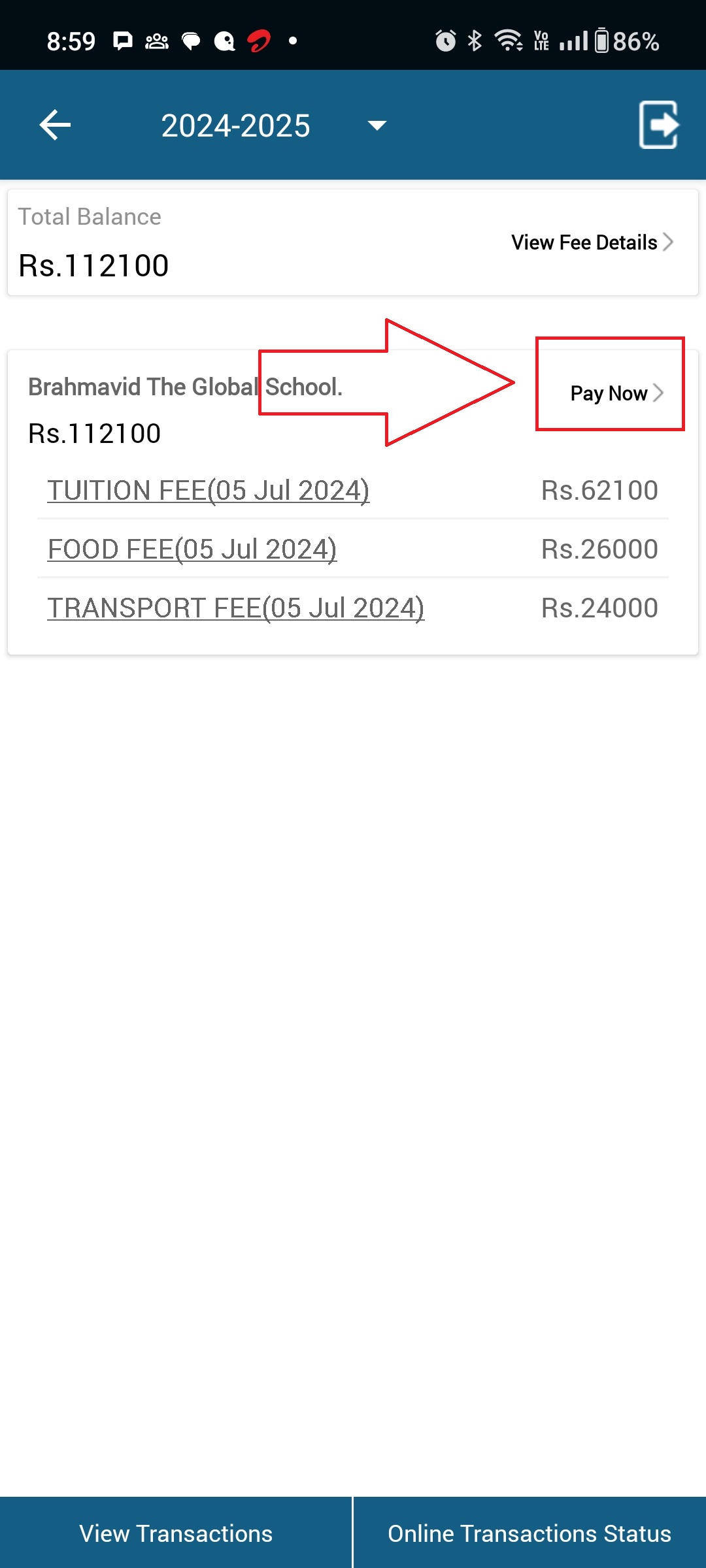
Step 3 Tap here to see the fee details to pay
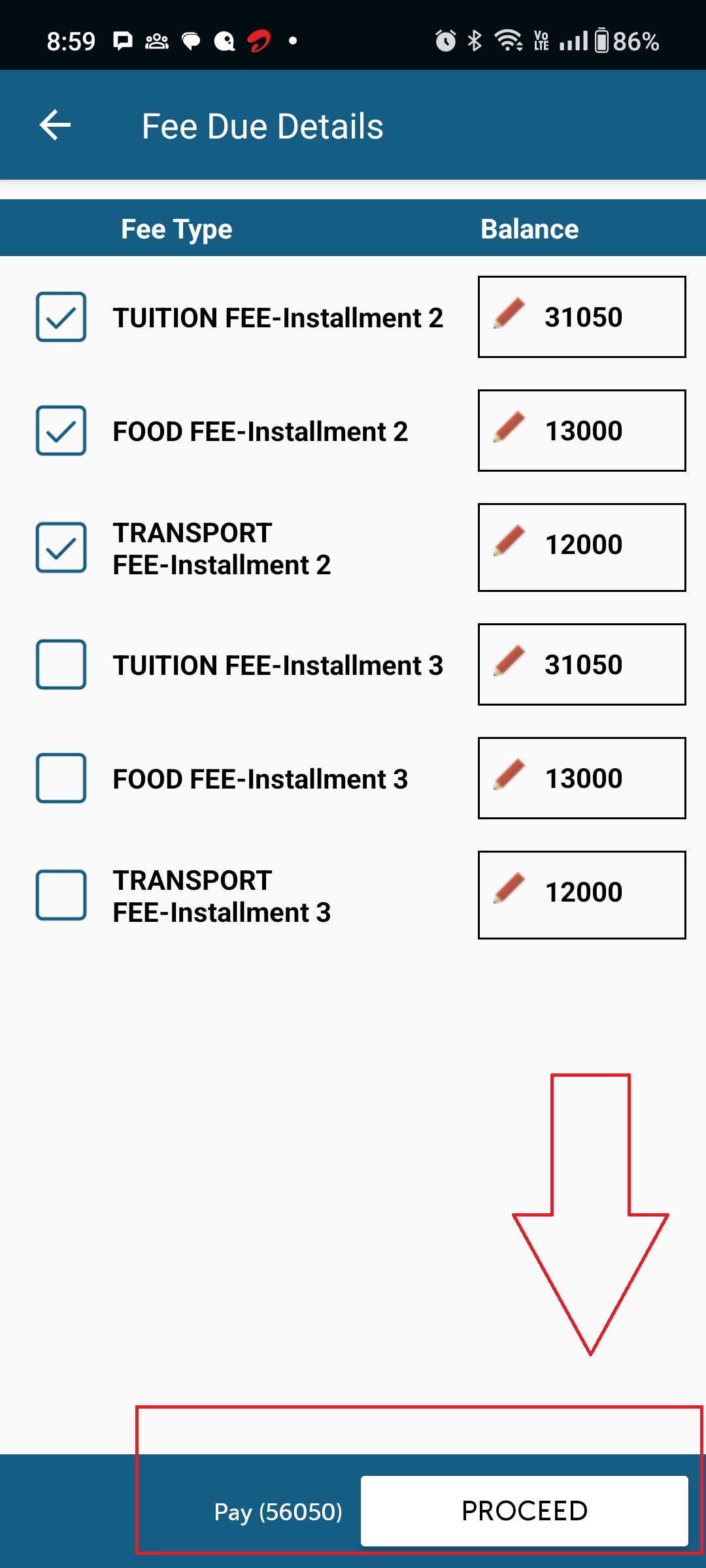
Step 4 (If you want to pay all the fees then you can select all) then tap over the proceed button
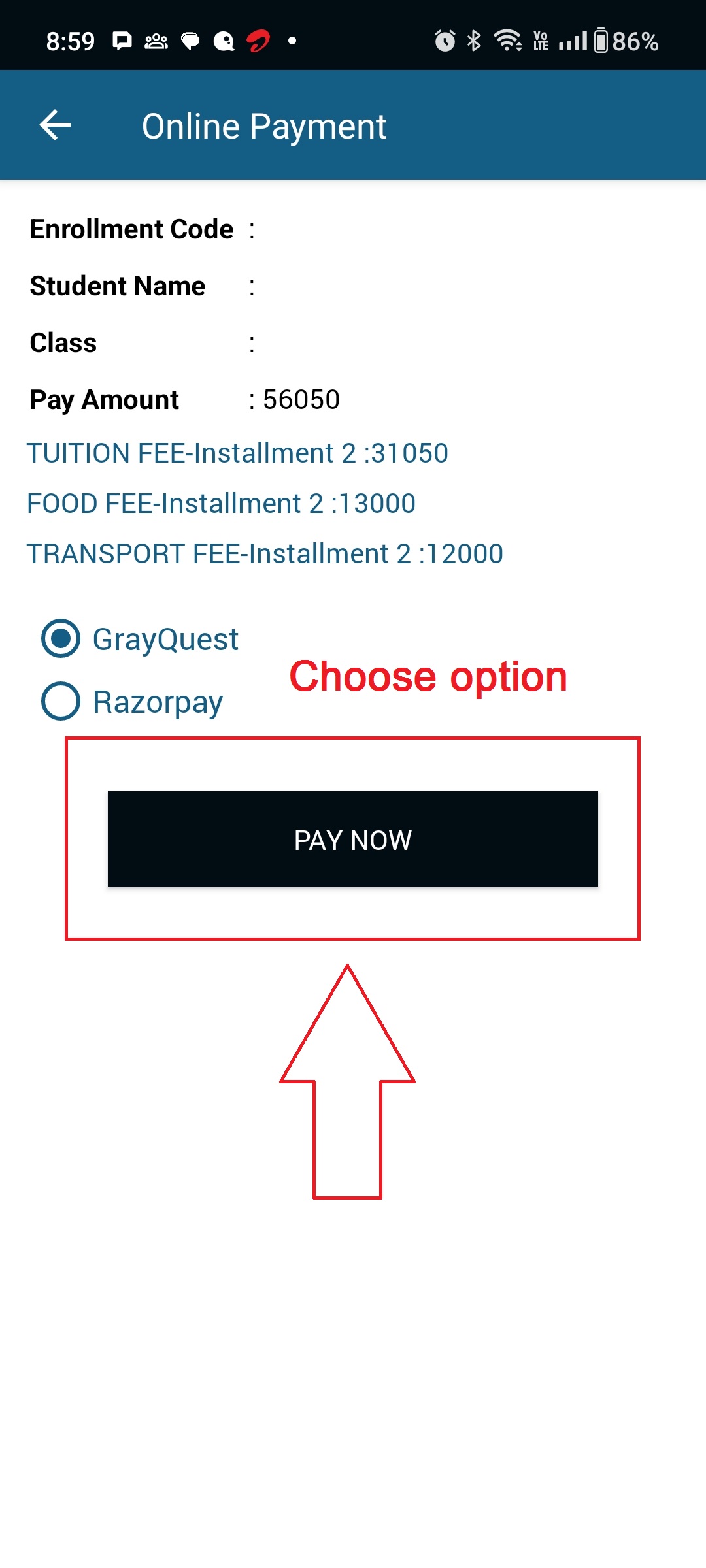
Step 5 (This is the final step after all the steps above, now this will proceed further to the payment gateway for the final payment of the fee amount showing on this screen)
After doing the fee payment you will receive a e-acknowledgement for the transaction you made for the fee payment of your ward.