
All Modes of Payment
Modes of Fee Payment
A. Cash
Fees can be paid in the Admin block (finance department) on all working days. To avoid any inconvenience,
kindly inform the school before coming for the payment at contact@brahmavid.com or calling at 7047222222, 7047111111, 7047474747.
B. Online Transfer
Account name - Brahmavid The Global School Bank name - AXIS BANK
Account no - 925020005398371 IFSC - UTIB0003844
Branch - Sunder Nagar CT, Raipur, 492013
If are looking to pay the Fee using a Credit/Debit Card/UPI/Wallet/Net Banking via payment gateway then, please follow the below steps:
C. Fee Payment using School Website
- Open the link
- Look for the "Pay Now" Button
- Click on the "Pay Now" and follow the instructions. Please refer to this Video for detailed steps to be followed.
D. Fee Payment by Brahmavid School App
- Open the Brahmavid School App (If your don’t haven’t downloaded and Configured the App https://brahmavid.freshdesk.com/support/solutions/articles/47001104972, incase of having issues drop an email on contact@brahmavid.com )
2. Open the Fee -> Fee Dues section and follow the steps
E. Google Pay (UPI)
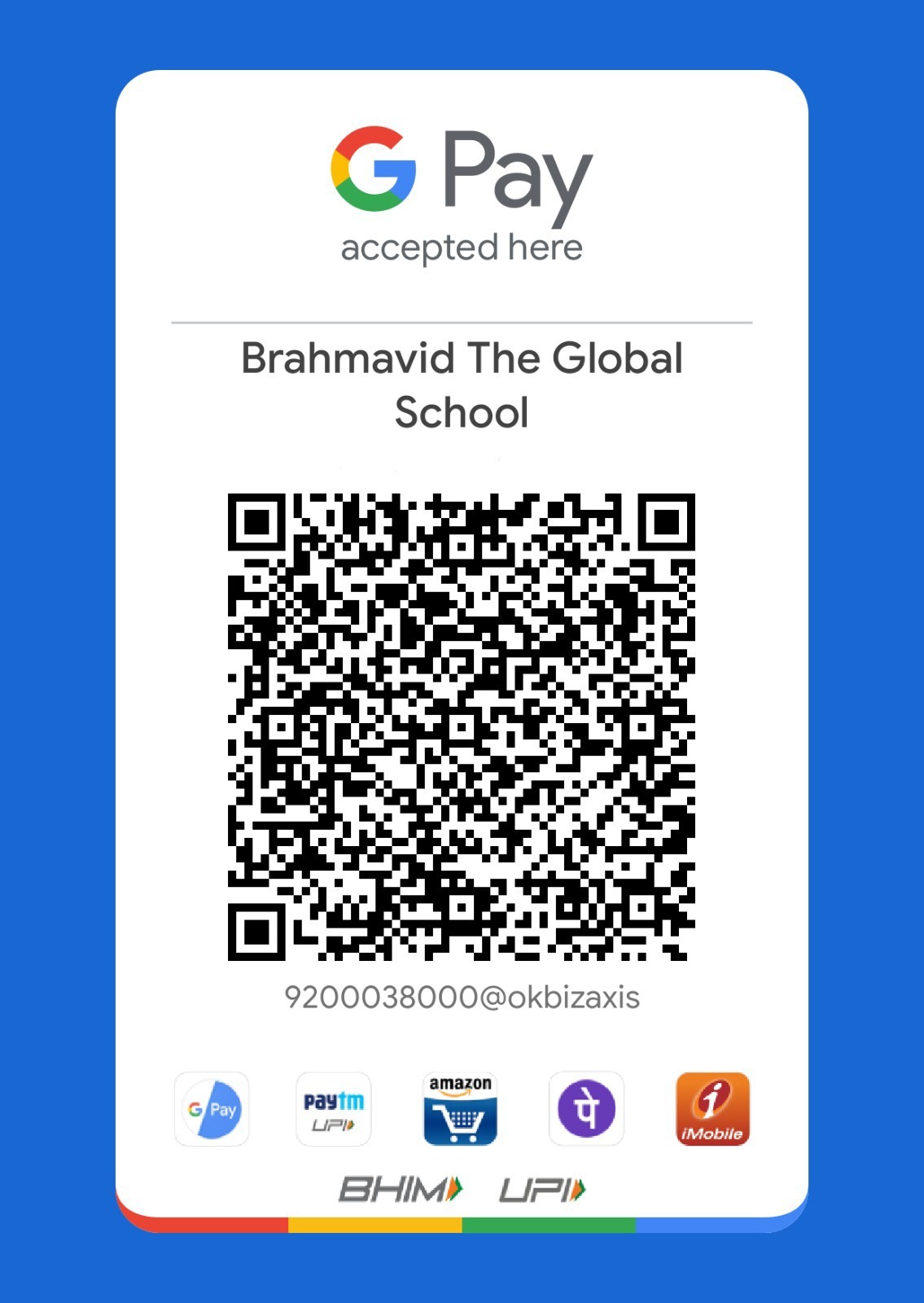
For any of the above transaction modes DON’T forget to share the transaction details on contact@brahmavid.com