
Kindly use the Brahmavid App to access the Fee Receipts.
If you haven't yet installed the Brahmavid App then please do so using the below steps.
1) Download Brahmavid School App from:-
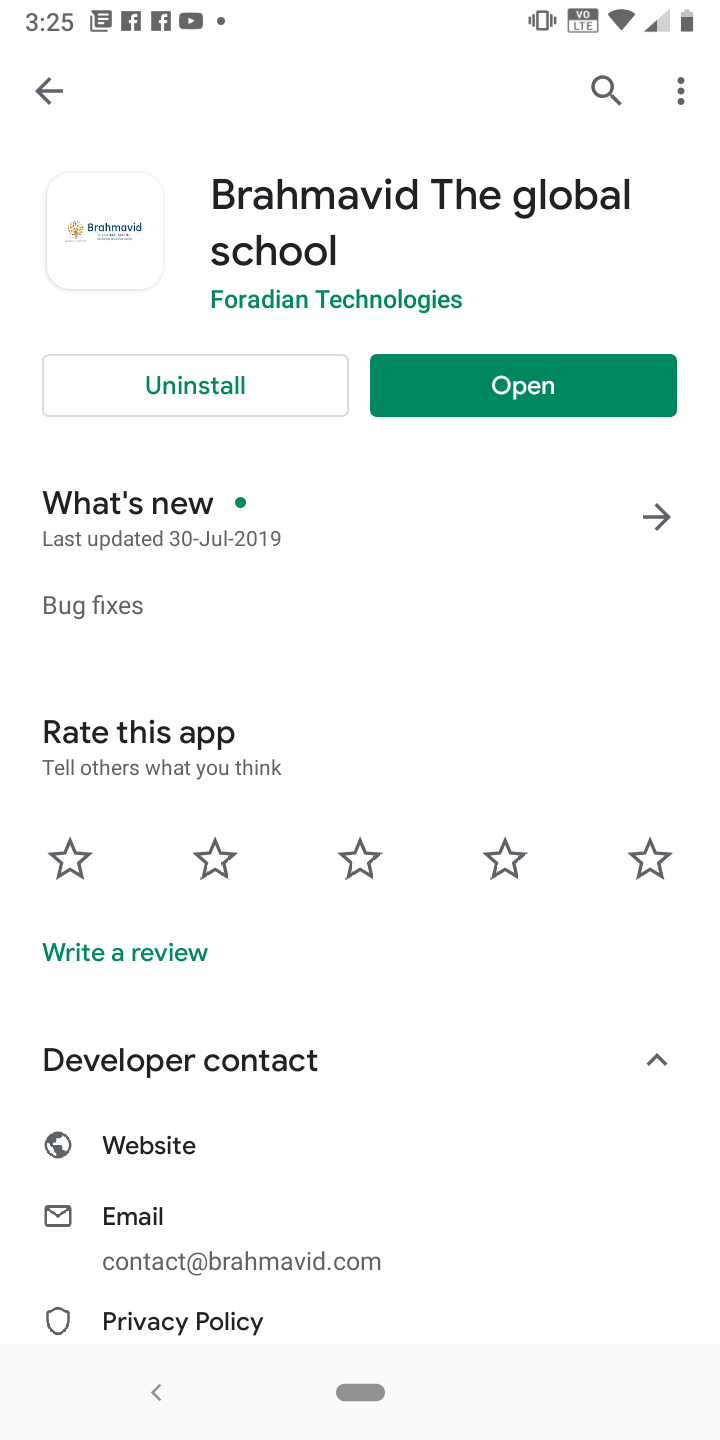
2) After downloading the Brahmavid School App open the app:-
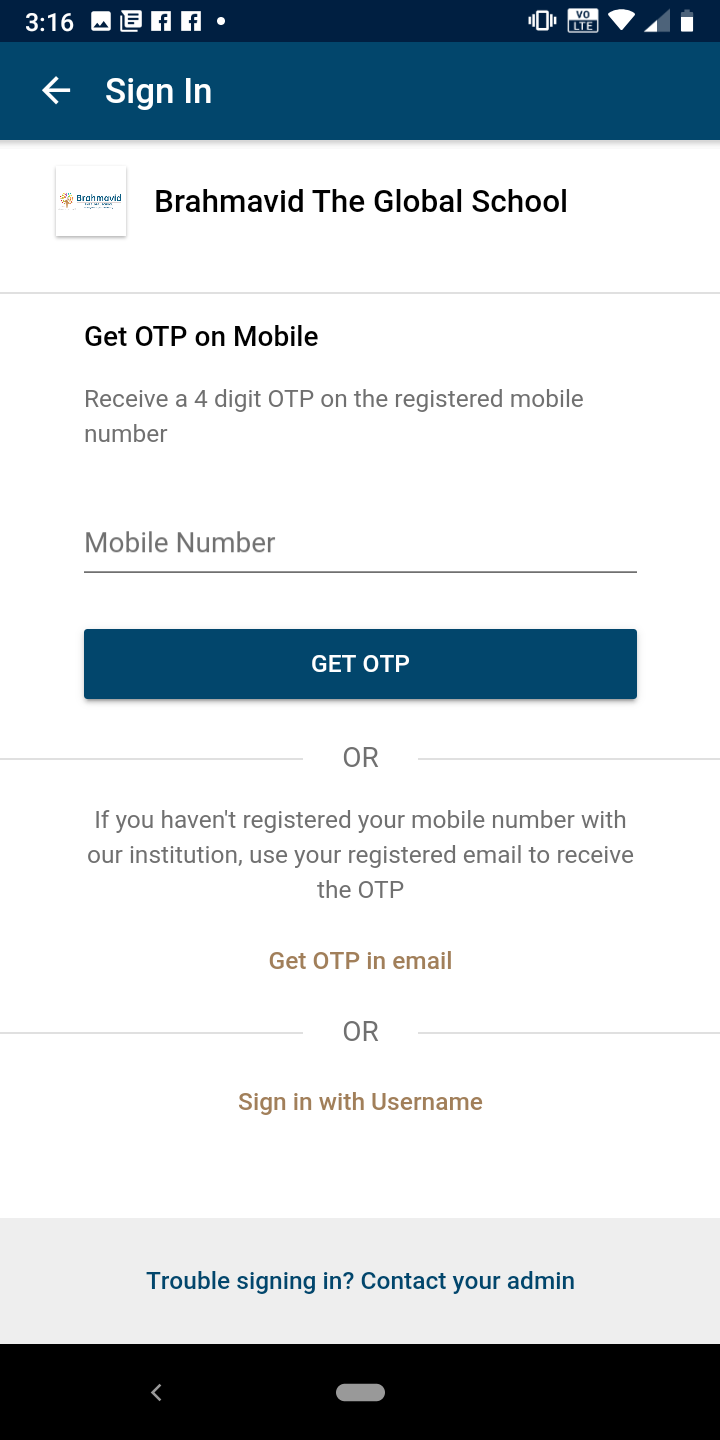
3) After opening the app you will find a screen showing the following details, enter your registered mobile no. which is given to the school record as an immediate contact, and get OTP in your registered mobile no. Now you can operate the features of the Brahmavid School App. If in case the OTP to mobile doesn’t work, then you may also try to get OTP in Student’s Brahmavid Email ID (Point No 4)
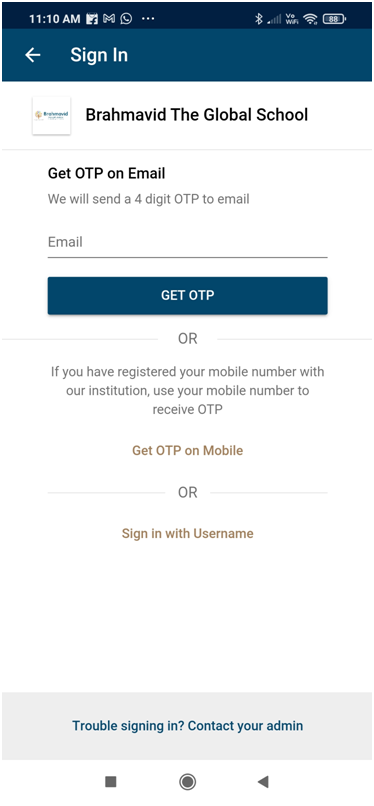
4) If in case the OTP to mobile doesn’t work, then you may also try to get OTP in Student’s Brahmavid Email ID which is provided by the school, kindly follow the screenshot as mentioned below:-
5) After doing the above steps you can now access the Brahmavid School app.