
Brahmavid (BTGS) Mobile App Set up Procedure for Android
1. Android User
2. IOS User
Android User:
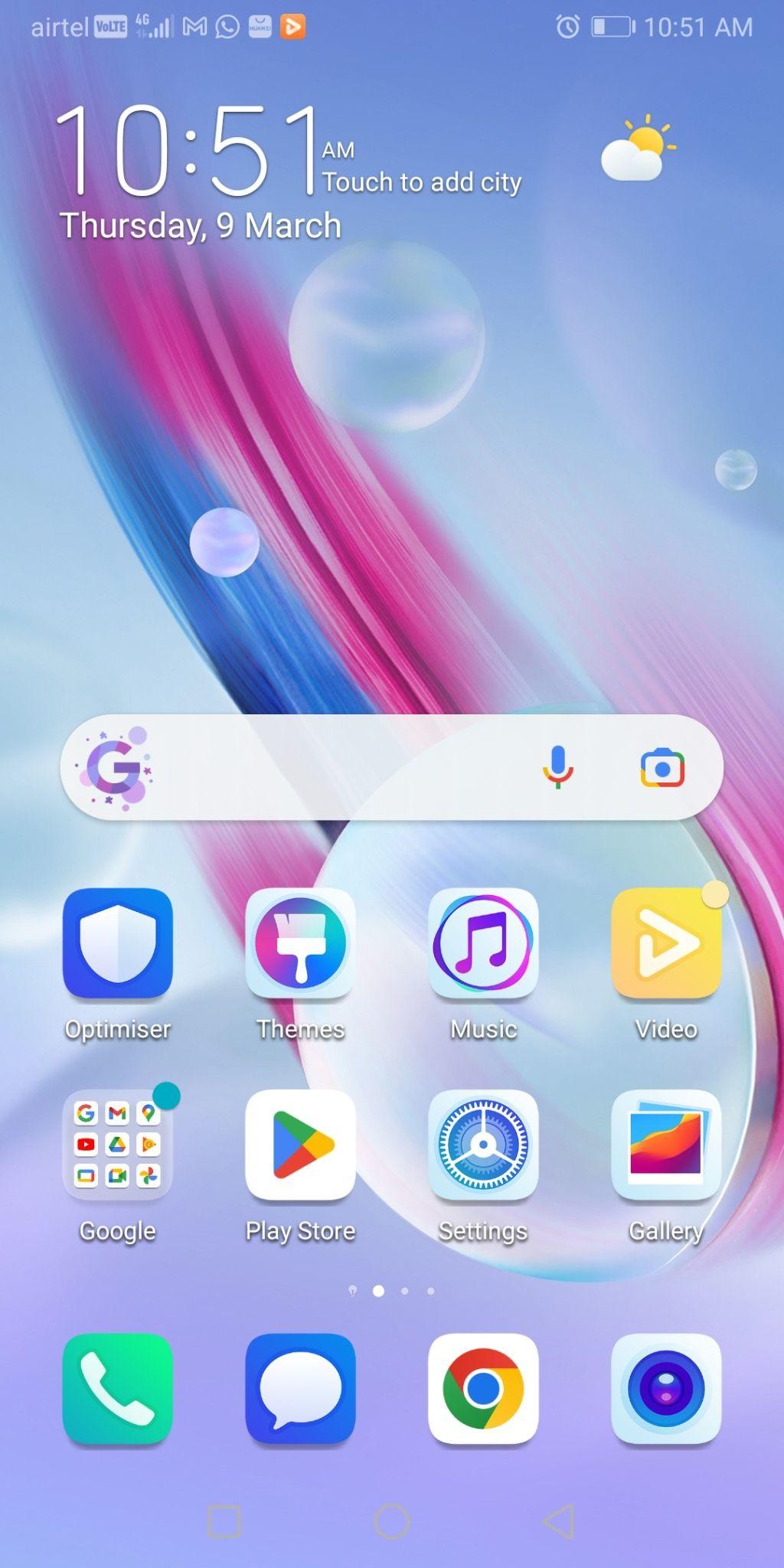
- Open Google Play Store
 and search BRAHMAVID THE GLOBAL SCHOOL.
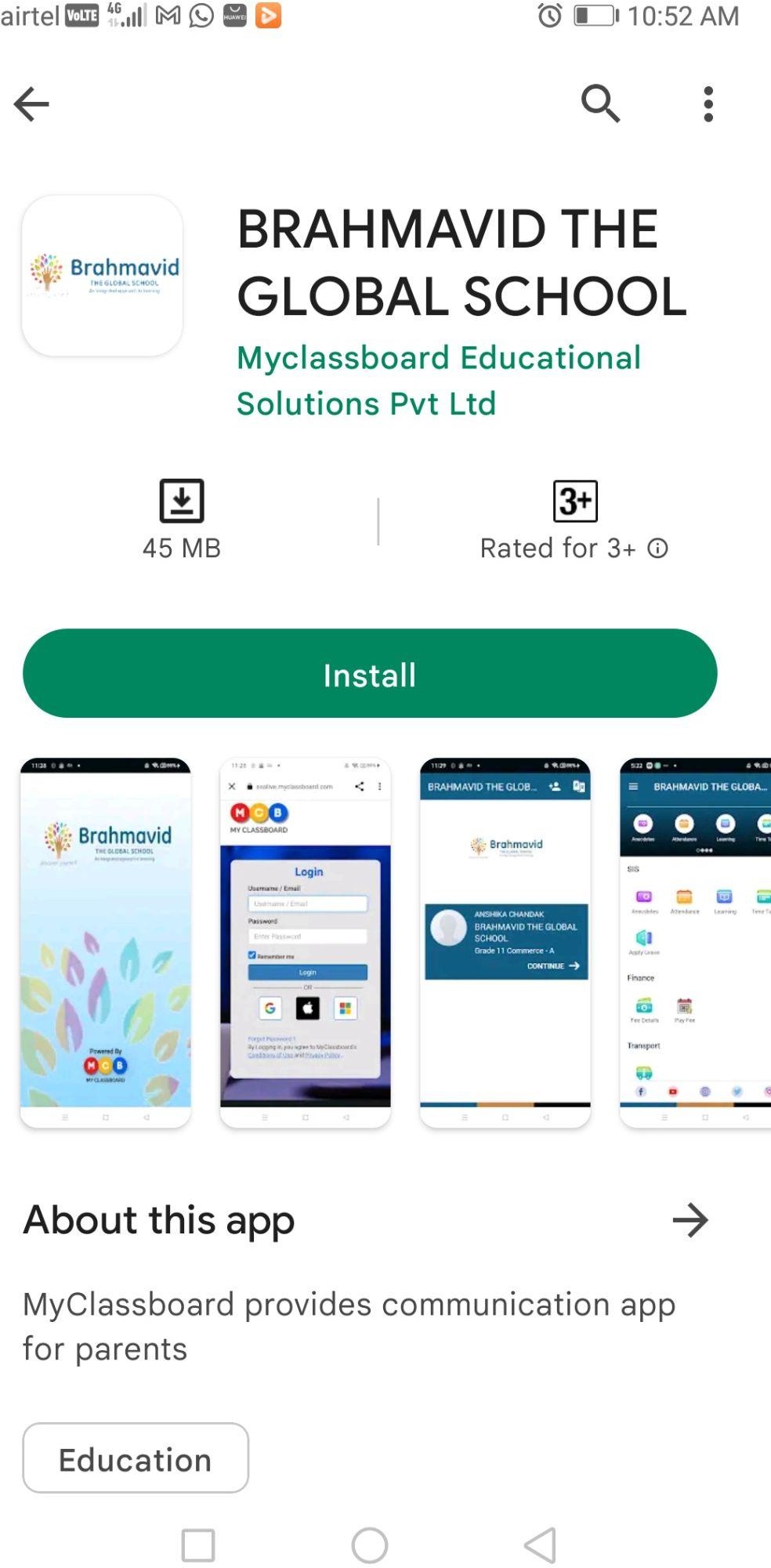
 - Select BRAHMAVID APP powered by MyClassboard Educational Solutions Pvt Ltd. & Install.
App link:
https://play.google.com/store/apps/details?id=com.mcb.brahmavidtgs
 +
+ 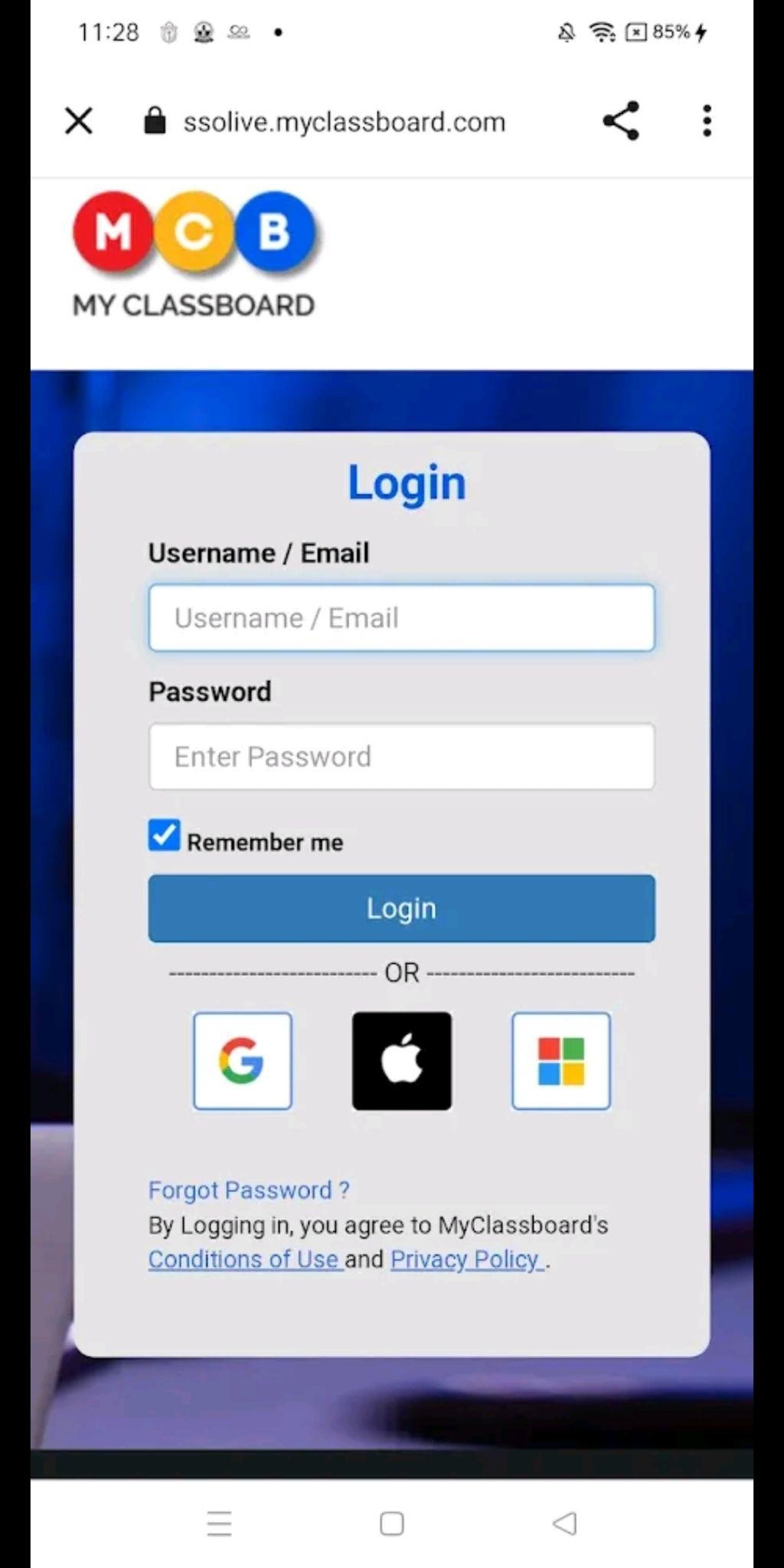
3. Login using Username & Password i.e. Enrollment code of student, OR can be
logged in using Google sign in credentials i.e Student email id & password.
4. Confirm the student details and click on continue.
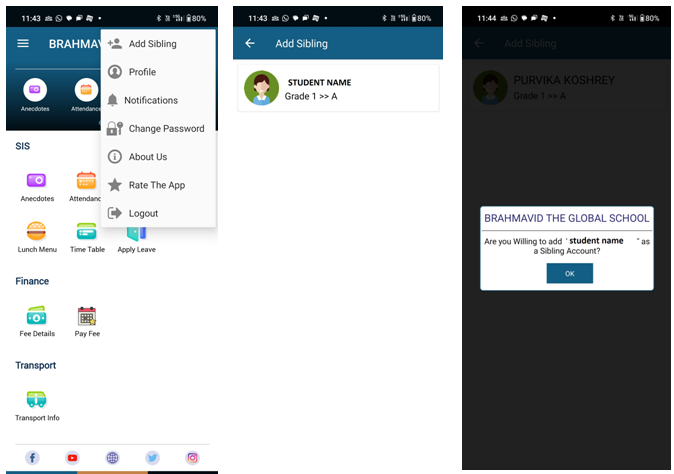
5. If in case of sibling kindly add sibling from any one login of child, refer screen shot as below:-
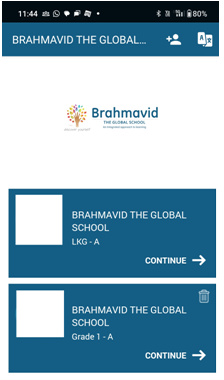
6. Confirm the student details and click on continue.